Disclosure: some links on this page may earn us a commission at no extra cost to you. As an Amazon Associate I earn from qualifying purchases. This page is research from official manufacturer pages, not hands-on testing. Details
Buying your first 3D printer, or your next one, is mostly a matching exercise: your budget, the space you have, and the materials you want to print. This guide sorts nine popular printers from Bambu Lab, ELEGOO, Anycubic and Creality by budget and explains the specs that actually change what you can do. It is the hub for everything else on Parametric Forge, so each section links to a deeper page.
How we built this: we have not hands-on tested any of these printers. Specs come from each manufacturer’s own pages, prices are what the official stores showed on November 19, 2026, and anything we calculated ourselves is labeled as an estimate. Prices move, especially around Black Friday, so check the store before you buy. More on our method is on the How we research page.
Quick picks by budget
| Budget | Printers to look at | Listed price range, Nov 19, 2026 | Why they are on the list |
|---|---|---|---|
| Under $250 | Bambu Lab A1 mini, Creality Ender-3 V3 SE, ELEGOO Neptune 4 Pro, ELEGOO Centauri 2 | $199 to $244 | Smallest and cheapest way in; the Centauri 2 lists the biggest bed and hottest nozzle in the group |
| $250 to $350 | Bambu Lab A1, Anycubic Kobra 4, Bambu Lab P1S | $259 to $349 | Larger beds; the P1S is the enclosed option |
| $350 and up | Bambu Lab P2S | $449 | Enclosed, 600 mm/s headline speed, hardened steel nozzle |
Under $250: the entry tier
This is where you get a working, auto-leveling printer for the price of a game console. The trade-off is usually build size or enclosure, since none of the pages we read list these as enclosed.
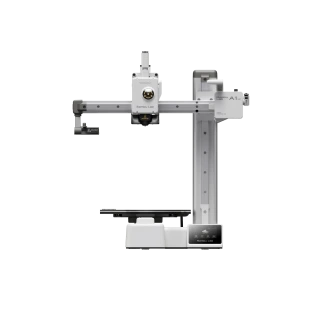
Bambu Lab A1 mini ($199). A 180 mm cube, 300 °C nozzle and 500 mm/s headline speed. It is the smallest option here, and Bambu says it is meant for materials that do not need an enclosure. See our A1 versus A1 mini comparison for the size trade-off.
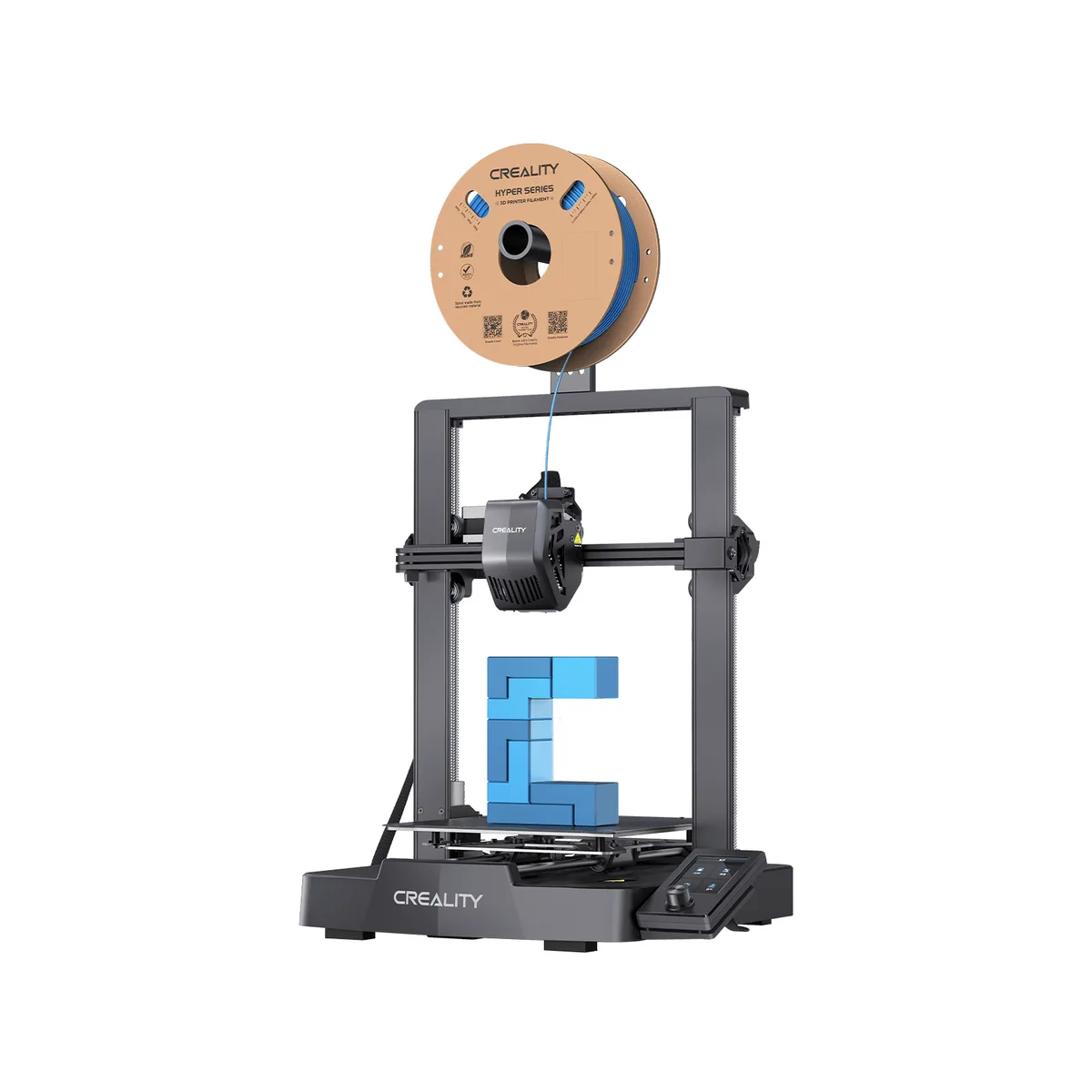
Creality Ender-3 V3 SE ($199). The lowest headline speed here at 250 mm/s, a 260 °C nozzle limit and a 220 x 220 x 250 mm bed, with a CR Touch leveling sensor. A simple machine for PLA, PETG and TPU.
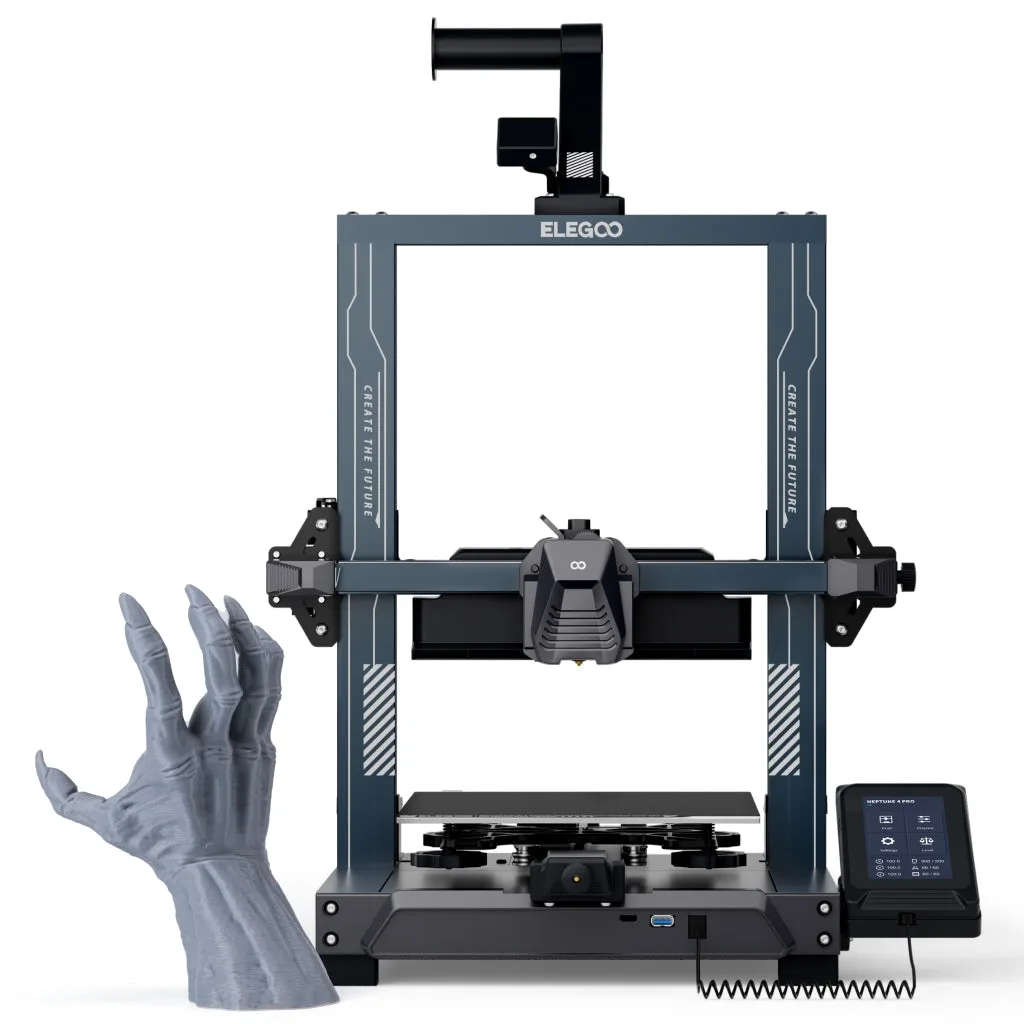
ELEGOO Neptune 4 Pro ($239). A 225 x 225 x 265 mm volume, Klipper firmware, a 300 °C nozzle and a segmented heatbed that heats a smaller center zone for small prints. ELEGOO recommends 250 mm/s even though it lists up to 500. Its sibling, the Neptune 4, was sold out on the day we checked.
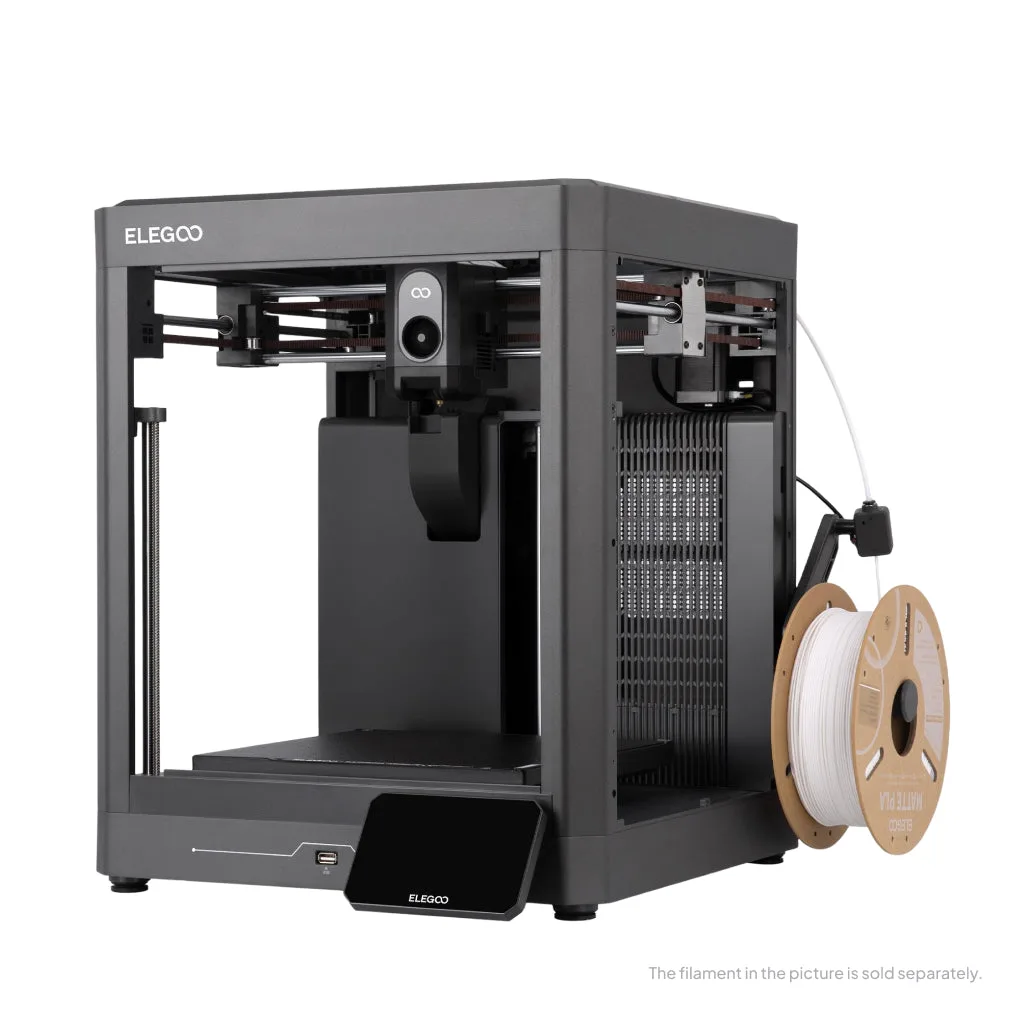
ELEGOO Centauri 2 ($244). A CoreXY machine with a 256 mm cube, 350 °C nozzle limit and 20,000 mm/s² acceleration. ELEGOO sells its CANVAS multicolor add-on separately. ELEGOO’s spec table lists a 110 °C maximum bed temperature and no enclosure (an air filter is listed as an optional expansion), and it lists ABS and ASA as not recommended.
For the full side-by-side of this tier, see Best 3D printers under $300.
$250 to $350: more space, more options
Bambu Lab A1 ($259). A 256 mm cube, 500 mm/s headline speed and a 300 °C nozzle, in an open design. Bambu’s FAQ advises against enclosing it. It supports PLA, PETG, TPU and PVA, and an optional AMS lite handles multi-color printing.
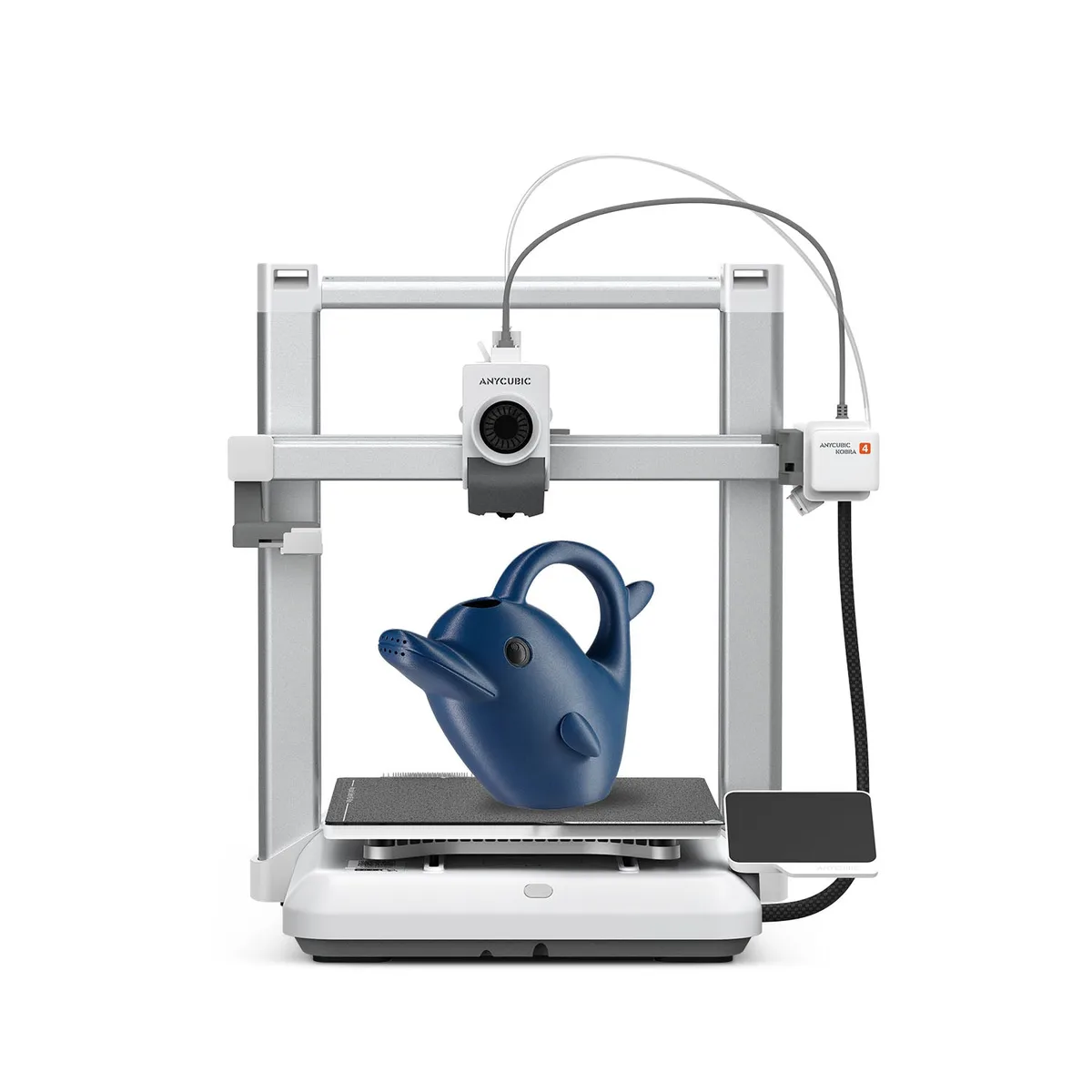
Anycubic Kobra 4 ($279). A 260 mm cube, 600 mm/s maximum with a 300 mm/s default, 20,000 mm/s² acceleration and a hardened steel nozzle rated to 300 °C. Anycubic lists 48 dB or less in standard mode. Multi-color requires the separate ACE 2 Pro, which is why a Combo version exists.
Bambu Lab P1S ($349). The enclosed model in this tier: plastic and glass shell, activated carbon filter, 256 mm cube, 500 mm/s and a 300 °C nozzle. Bambu lists ABS and ASA as ideal materials for it, which the open A1 does not.
$350 and up: when the enclosure matters
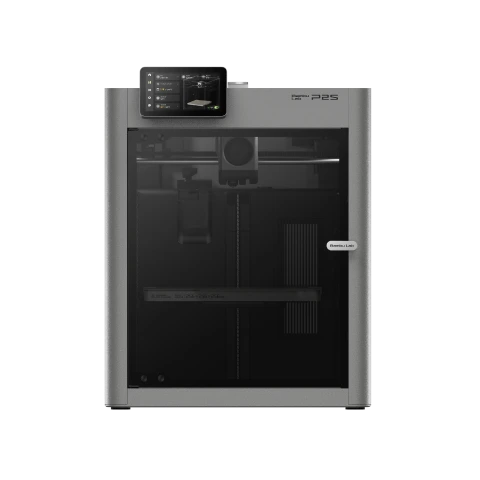
Bambu Lab P2S ($449). A fully enclosed 256 mm cube with a 600 mm/s headline speed, 20,000 mm/s² acceleration, 110 °C bed and a hardened steel nozzle and extruder gear. Bambu says P2S performance figures come from its own internal testing. Bambu’s P2S FAQ says it has no plans to stop selling the P1S, so the two sit side by side.
Five specs that change what you can do
- Build volume. A 256 mm cube holds roughly three times what a 180 mm cube does (16.8 L versus 5.8 L, our calculation). If you want to print helmets, big organizers or cosplay parts, bed size is the first filter.
- Enclosure. It matters for ABS and ASA, which Bambu says suit enclosed printers and which can release fumes. If you only plan to print PLA and PETG, an open printer is fine. See the filament guide.
- Nozzle temperature. A 260 to 300 °C ceiling covers common materials. Higher limits, like the Centauri 2’s 350 °C, only matter for specialty filaments.
- Multi-color. Bambu (AMS lite), Anycubic (ACE 2 Pro) and ELEGOO (CANVAS) all sell add-ons separately, so price the combo, not just the printer.
- Headline speed. Treat 500 or 600 mm/s as a ceiling. Several brands recommend lower speeds for everyday printing, and print quality depends on much more than the top number.
A simple way to decide
- Pick your material list first. PLA and PETG only: any printer here works. ABS or ASA: shortlist the P1S or P2S.
- Pick your size second. Under 200 mm parts: the A1 mini is enough. Anything bigger: a 220 to 260 mm class machine.
- Decide on multi-color third, and price the combo.
- Then compare prices on the Black Friday deals page, which lists official store prices and the crossed-out price each store showed.
For the numbers behind all of this, our printer spec comparison table lays out every figure with sources.
Tools that sit next to the printer
If you already have a printer, or you are looking past the machine itself, some people also want a scanner, a small mill, a caliper, a way to paint a print, or a compact screwdriver kit. We have gathered five of those options, including live Kickstarter campaigns, in our maker tools guide. Crowdfunding pledges are not store products, and those campaign links will need updating when the campaigns end.
Where to buy
Brand-direct links come first. Amazon.com links go to listings sold by each brand’s official Amazon store and some earn us a commission. Amazon prices can differ, so check current price.
- Bambu Lab A1 mini: Bambu Lab store | Amazon (Combo version)
- Creality Ender-3 V3 SE: Creality store | Check price on Amazon
- ELEGOO Neptune 4 Pro: ELEGOO store
- ELEGOO Centauri 2: ELEGOO store | Check price on Amazon
- Bambu Lab A1: Bambu Lab store | Check price on Amazon
- Anycubic Kobra 4: Anycubic store | Amazon (Combo version)
- Bambu Lab P1S: Bambu Lab store | Check price on Amazon
- Bambu Lab P2S: Bambu Lab store | Check price on Amazon
Sources and date checked
- Bambu Lab A1, A1 mini, P1S, P2S and the P2S spec page
- ELEGOO Centauri 2, Neptune 4, Neptune 4 Pro
- Anycubic Kobra 4
- Creality Ender-3 V3 SE and its support page
Prices were read from official store pages on November 19, 2026 and are as each store showed them. Brand stores change prices frequently, so treat this as a snapshot and check the linked page for the current price.